
The ASUS Vivobook S16 is aimed at people who want the extra workspace of a 16-inch laptop without stepping up to a bulky performance machine. For 2026, ASUS has given the range a major hardware update with the Vivobook S16 S3607NA, built around Qualcomm’s 18-core Snapdragon X2 Elite platform.
There is an important detail to understand before looking at the specifications: Vivobook S16 is a family name, not a single universal configuration. ASUS also sells S3607QA, Intel-based S3607 and AMD-powered M3607 variants. Their processors, graphics, displays, memory and connectivity can differ substantially.
This article therefore focuses specifically on the 2026 S3607NA, which ASUS announced in January 2026. It combines Snapdragon X2 Elite processing, an 80-TOPS NPU, a 70Wh battery and a choice of 2.5K 144Hz IPS or WUXGA OLED displays.
The interesting question isn’t simply whether the ASUS Vivobook S16 has good specifications. It is whether those specifications make sense for students, professionals, creators and everyday buyers in 2026.
ASUS Vivobook S16 Price
Pricing varies by configuration and market. For the S3607NA, ASUS’s US store currently lists a price of $1,499.99, although promotions and individual configurations can change the amount. ASUS’s official specification page also makes clear that pricing and availability can vary by country and that retailers may set their own resale prices.
That distinction is important because the Vivobook S16 is available with different combinations of memory, storage and displays. The S3607NA can be configured with 16GB or 32GB LPDDR5X memory and 512GB or 1TB PCIe 4.0 SSD storage. The display can also change between the 2.5K 144Hz IPS and WUXGA 60Hz OLED options.
For India, buyers should be particularly careful when searching for an ASUS Vivobook S16 price. ASUS India lists the S3607QA, based on the standard Snapdragon X processor, separately from the newer S3607NA. A price for the S3607QA should not be presented as the price of the Snapdragon X2 Elite model.
In short: pricing varies by configuration and market. Check the complete model number before comparing offers.
📌 Read more:
- Best Smartphones for Students in 2026: Battery, Performance, Camera and Value
- Xiaomi 18 Pro vs Xiaomi 18 Pro Max: Price, Specifications, Features and Full Review
- Apple Event iPhone 18 Pro and iPhone 18 Pro Max, iPhone Duo & Apple Watch Series 12, Apple Watch Ultra 4 and AirPods 5.
- POCO F9 Ultra Price, Specifications, Features and Full Review
- Best Camera Phones 2026: Top 5 Phones for Photography and Video
- Best Phones With 8000mAh Battery in 2026
ASUS Vivobook S16 Specifications
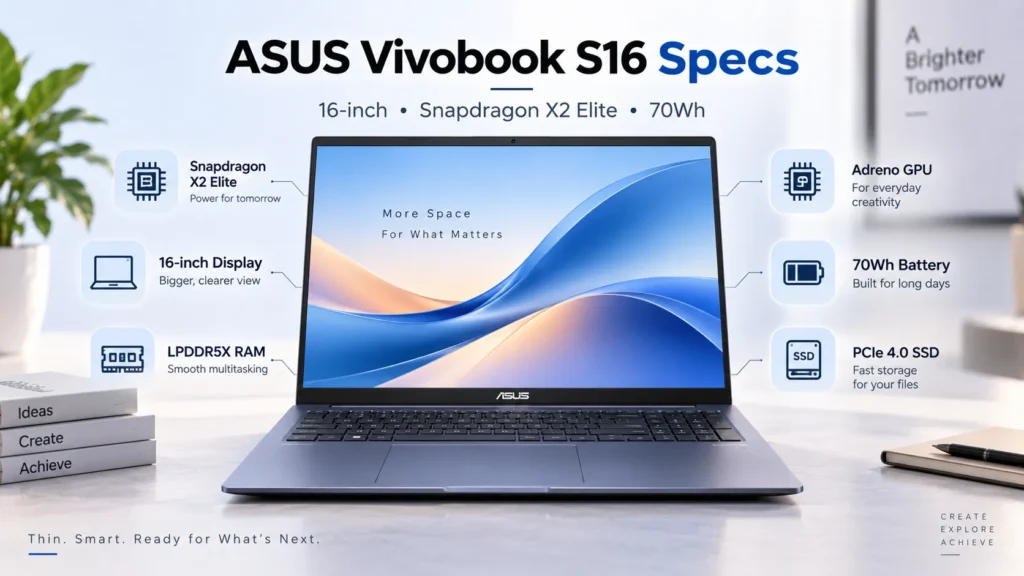
The following specifications apply to the ASUS Vivobook S16 processor S3607NA, not the older Intel, AMD or Snapdragon X configurations.
| Specification | ASUS Vivobook S16 S3607NA |
|---|---|
| Model | S3607NA |
| Processor | Qualcomm Snapdragon X2 Elite X2E88100 |
| CPU | 18 cores / 18 threads |
| CPU speed | Up to 4.7GHz single-core boost; up to 4.0GHz multi-core |
| GPU | Qualcomm Adreno GPU |
| NPU | Qualcomm Hexagon NPU, up to 80 TOPS |
| RAM | 16GB / 32GB LPDDR5X |
| Storage | 512GB / 1TB PCIe 4.0 NVMe SSD |
| Display | 16-inch 16:10 IPS or OLED |
| IPS option | 2560 × 1600, 144Hz, 400 nits, 100% sRGB |
| OLED option | 1920 × 1200, 60Hz, 300 nits, 95% DCI-P3 |
| Battery | 70Wh, 4-cell Li-ion |
| Charger | 100W USB-C adapter |
| USB-C | 2 × USB4, up to 40Gbps |
| USB-A | 1 × USB 3.2 Gen 2 + 1 × USB 3.2 Gen 1 |
| HDMI | HDMI 2.1 TMDS |
| Audio | 3.5mm combo jack |
| Wireless | Wi-Fi 7 |
| Bluetooth | Bluetooth 6.0 |
| Webcam | 1080p FHD IR camera |
| Keyboard | Backlit keyboard with number pad, 1.7mm travel |
| OS | Windows 11 Home / Pro |
| Weight | Up to 1.68kg |
| Dimensions | 35.7 × 25.07 × 1.59–1.79cm |
ASUS lists an M.2 2280 PCIe 4.0 x4 storage slot, while the LPDDR5X memory is onboard. ASUS also notes that specifications can change between markets.
Read: Nothing Phone 4a Pro vs Samsung Galaxy A57 5G
Design and Build Quality
The Vivobook S16’s biggest design trick is making a 16-inch notebook feel less cumbersome than its screen size suggests.
The S3607NA measures 35.7 × 25.07cm and is between 1.59cm and 1.79cm thick. ASUS lists the weight at approximately 1.68kg, although weight can vary by configuration.
That is a reasonable compromise for someone who wants a big screen but still intends to carry the laptop between home, office, university or meetings.
The keyboard is clearly designed around productivity. It has a number pad, backlighting and 1.7mm key travel. There is also a larger Precision touchpad with Smart Gestures and a dedicated Copilot key.
ASUS states that the laptop meets the US MIL-STD-810H military-grade standard. This is a manufacturer certification claim rather than evidence that every individual unit will withstand abuse, but it does indicate that ASUS has subjected the design to the relevant testing regime.
The S3607NA is offered in Mist Blue on ASUS’s global specification page.
Read: Best Gaming Laptops 2026: Top Picks for Every Budget
The 16-Inch Display Is the Real Attraction
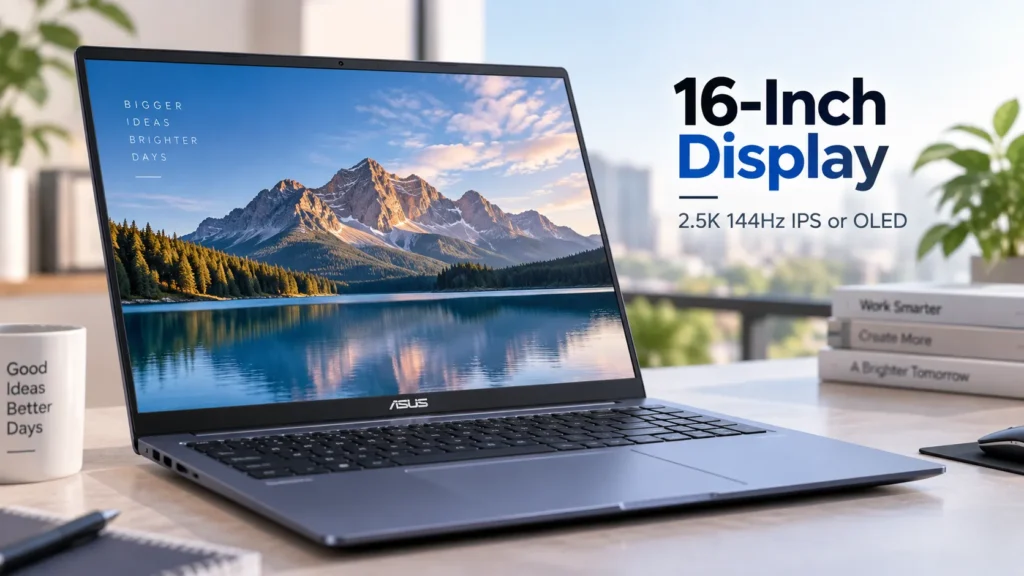
A 16-inch 16:10 screen changes how a laptop feels during everyday work.
The additional vertical space is useful for documents, spreadsheets, websites and programming environments. Instead of constantly scrolling through long pages, more information can fit on the screen at once.
But the S3607NA has two very different display choices.
The 2.5K IPS model runs at 2560 × 1600 with a 144Hz refresh rate, 400-nit brightness and 100% sRGB coverage. It also has an anti-glare coating. This is arguably the more balanced option for office work, coding, browsing and occasional gaming because it combines higher resolution with a faster refresh rate.
The alternative is the WUXGA OLED model, which runs at 1920 × 1200 and 60Hz. It offers 300-nit brightness, 95% DCI-P3 coverage, 0.2ms response time and a claimed 1,000,000:1 contrast ratio. ASUS also lists anti-glare and low-reflection treatment.
The OLED version therefore makes more sense for users who value contrast, richer colour and entertainment. The IPS model is arguably the more practical all-rounder.
This is also why simply searching for an “ASUS Vivobook S16 OLED” can be misleading. Not every S3607NA has an OLED display.
Read: Best Laptop Under ₹50000 in India 2026 | Top 10 Latest Picks
Performance: More Than Enough for Everyday Work
The Snapdragon X2 Elite is the defining component of the S3607NA.
It uses 18 CPU cores and 18 threads, with a maximum single-core boost of 4.7GHz and multi-core operation up to 4.0GHz according to ASUS. The chip is paired with Qualcomm’s integrated Adreno GPU and up to 32GB of LPDDR5X memory.
For everyday workloads, that combination is aimed at a fairly demanding user: dozens of browser tabs, Office applications, video calls, cloud services, document work and multitasking.
The 32GB version is the configuration worth considering for people who regularly keep large applications and many browser tabs open. For ordinary students and office users, 16GB should be sufficient for many workloads.
The GPU deserves more attention, however. The S3607NA uses integrated Qualcomm Adreno graphics rather than a dedicated GeForce or Radeon GPU.
That makes the laptop a better fit for productivity, media consumption and light-to-moderate creative work than demanding 3D rendering or serious gaming.
ASUS publishes its own performance claims for the machine, but those are manufacturer results and should not be confused with independent GadiAurMobile testing. ASUS itself notes that actual performance can vary depending on applications, usage and environment.
Read: MacBook Neo Review 2026, A18 Pro, 8GB RAM, 256GB SSD
ASUS Vivobook S16 AI Features
This is where the 2026 model separates itself from older Vivobook S16 configurations.
The Snapdragon X2 Elite includes a Qualcomm Hexagon NPU rated at up to 80 TOPS. That makes the S3607NA a genuine Copilot+ PC platform rather than a conventional laptop with a marketing-focused AI label.
The NPU is designed for AI workloads that can run locally on the device. Windows provides supported Copilot+ experiences, while ASUS adds its own AI-related features, including AI Noise Canceling.
The camera also has an IR sensor for Windows Hello authentication and a physical privacy shutter.
It is useful to separate the different layers:
- Snapdragon X2 Elite NPU: dedicated AI hardware.
- Windows/Copilot+: Microsoft’s operating-system AI experiences.
- ASUS AI features: manufacturer software such as AI Noise Canceling.
- Cloud AI services: processing that still takes place on remote servers.
For most people, the practical benefit is not the 80-TOPS number itself. It is the ability to run supported AI features efficiently without putting every AI workload entirely on the CPU.
Battery Life and Charging
The S3607NA uses a 70Wh four-cell battery and comes with a 100W USB-C power adapter according to ASUS’s global specifications.
ASUS advertises up to 25 hours of battery life for the 2026 Vivobook S16. Importantly, ASUS’s published testing uses a defined configuration and controlled conditions, including a 2.5K IPS panel, 16GB RAM and 512GB SSD.
That figure should therefore be treated as an official maximum claim, not as a guarantee that every user will obtain 25 hours.
Actual battery endurance depends on screen brightness, refresh rate, applications, wireless activity, performance settings and workload. An OLED configuration can also behave differently from the IPS version.
The 100W USB-C charger is nevertheless a practical advantage because the laptop uses modern USB-C power delivery.
Keyboard, Touchpad and Webcam
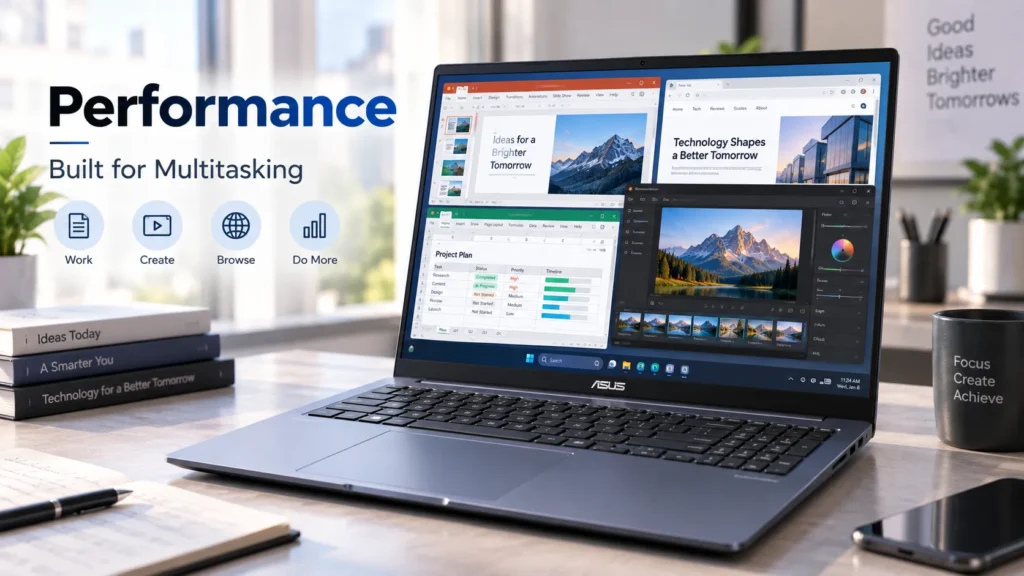
The full-size keyboard is one of the S16’s most practical features.
ASUS specifies 1.7mm key travel, backlighting and a dedicated number pad. For spreadsheet users, accountants, students working with numerical data and professionals who regularly enter figures, the number pad can be more valuable than a few millimetres of extra thinness.
The touchpad is 40% larger than the previous design according to ASUS and supports Smart Gestures.
For video calls, the laptop has a 1080p FHD IR camera with Windows Hello support and a physical privacy shutter. ASUS also provides built-in microphone processing and AI Noise Canceling through MyASUS.
These features make the S16 particularly suitable for hybrid work and online classes.
Ports and Connectivity
The Vivobook S16 is better equipped than many thin laptops. It includes:
- Two USB4 Type-C ports with DisplayPort and Power Delivery
- One USB 3.2 Gen 2 Type-A port
- One USB 3.2 Gen 1 Type-A port
- HDMI 2.1 TMDS
- 3.5mm audio combo jack
- Wi-Fi 7
- Bluetooth 6.0
The USB4 ports support data speeds of up to 40Gbps.
There is no need to immediately rely on a USB-C dongle for basic accessories. That matters to office users connecting displays, students using USB drives and professionals moving between external monitors.
ASUS Vivobook S16 for Students
For students, the S16 makes the most sense when screen size is more important than absolute portability.
The 16-inch 16:10 panel is useful for research, PDFs, presentations, spreadsheets and programming. The number pad can also be useful for technical courses.
The Snapdragon platform adds another consideration: software compatibility.
Windows on Arm has improved substantially, but students using specialist engineering, scientific, development or university software should confirm compatibility before buying.
For typical web-based learning, Microsoft Office, Google Workspace, video calls, research and media consumption, the S16’s hardware is more than adequate.
ASUS Vivobook S16 for Professionals
For office professionals, the S16’s strengths are easy to understand.
The large display reduces the need for an external monitor during ordinary work, while the number pad benefits spreadsheet-heavy tasks. USB4, HDMI and USB-A make it easier to connect existing workplace equipment.
Remote workers also get an FHD IR camera, privacy shutter and AI Noise Canceling.
The limitation is again software compatibility. Companies using older specialised Windows applications should validate their software environment before standardising on an Arm-based laptop.
ASUS Vivobook S16 for Creators
The OLED version is the more interesting choice for creators because of its 95% DCI-P3 colour coverage and high contrast specification.
It can make sense for photographers, designers and people who edit social-media content.
However, buyers should keep expectations realistic. The S3607NA uses integrated Adreno graphics. It is not positioned as a professional workstation with a powerful discrete GPU.
For serious 4K production, complex effects, 3D rendering or professional GPU acceleration, a laptop with dedicated graphics remains the safer choice.
ASUS Vivobook S16 for Gaming
Gaming is not the main reason to buy the S3607NA.
The 2.5K 144Hz IPS display is certainly appealing for games, but a fast panel does not create graphics performance by itself. The integrated Adreno GPU is the limiting factor for demanding titles.
Casual games, older games and less demanding competitive titles can make sense, but buyers seeking high-end gaming should look at ASUS TUF or ROG machines, or competing laptops with dedicated GPUs.
Pros and Cons
Pros
- Large 16-inch 16:10 workspace
- Slim and relatively light for a 16-inch laptop
- Snapdragon X2 Elite with 18 CPU cores
- Up to 80-TOPS NPU
- Up to 32GB LPDDR5X memory
- 70Wh battery
- USB4 connectivity
- Wi-Fi 7
- Full-size backlit keyboard with number pad
- 2.5K 144Hz IPS option
- OLED option with 95% DCI-P3
- FHD IR webcam with privacy shutter
Cons
- Integrated graphics limits demanding gaming
- Different S16 models have substantially different hardware
- OLED configuration is limited to 60Hz
- OLED model has lower 1920 × 1200 resolution than the IPS option
- RAM is onboard
- Arm software compatibility remains worth checking for specialised applications
- Higher-end configurations can become expensive
ASUS Vivobook S16 vs Alternatives
The most relevant alternatives depend on what you value.
The HP OmniBook X 16 is a natural competitor for buyers interested in a large-screen Snapdragon Windows laptop. Lenovo’s Yoga Slim 7x takes a more portable approach with a smaller 14.5-inch OLED display, while Apple’s 15-inch MacBook Air is a compelling alternative for people who do not require Windows.
| Laptop | Best reason to consider it | Main compromise |
|---|---|---|
| ASUS Vivobook S16 S3607NA | 16-inch screen, Windows, AI hardware and ports | Integrated GPU |
| HP OmniBook X 16 | Large Snapdragon Windows alternative | Configuration-dependent |
| Lenovo Yoga Slim 7x | Premium OLED and portability | Smaller display |
| MacBook Air 15 | Efficient macOS experience and portability | Not Windows |
The Vivobook S16’s advantage is its combination of screen size, connectivity and Windows flexibility. The MacBook Air can be preferable for users already invested in Apple’s ecosystem, while a dedicated-GPU laptop is a better choice for serious gaming or GPU-heavy creative work.
Who Should Buy the ASUS Vivobook S16?
Students: A strong option for research, documents, programming and entertainment, assuming required software works on Arm.
Office professionals: One of its best use cases, particularly for spreadsheets and multitasking.
Remote workers: Good fit thanks to the large display, FHD IR camera and AI audio features.
Programmers: Suitable for mainstream development, but specialist tools should be checked for Arm compatibility.
Creators: Worth considering with the OLED display for photo and general creative work, but not as a professional GPU workstation.
Casual users: More than capable, although a 14-inch model may be preferable if portability matters more than workspace.
Gamers: Only a conditional recommendation. Look elsewhere for demanding games.
Is the ASUS Vivobook S16 Worth Buying?
The answer is yes, but configuration matters enormously.
The 2026 S3607NA is an interesting Vivobook because it does not simply increase processor performance. ASUS has combined the Snapdragon X2 Elite with a large 16-inch display, 70Wh battery, USB4, Wi-Fi 7 and an 80-TOPS NPU.
The display choice should be the first decision. The 2.5K 144Hz IPS version is the better all-round productivity option, while the WUXGA OLED version makes more sense if contrast and colour are more important than resolution and refresh rate.
The second decision is software compatibility. If your everyday applications are well supported on Windows on Arm, the S3607NA becomes much more compelling. If your workflow depends on older specialist Windows programs, compatibility should be confirmed before purchase.
The third consideration is price. At around the premium end of the mainstream 16-inch laptop market, the S16 has to compete against Intel, AMD, Snapdragon and Apple alternatives. It is not automatically the best laptop simply because it has an 80-TOPS NPU.
Final Verdict
The ASUS Vivobook S16 S3607NA is best understood as a large-screen productivity laptop with modern AI hardware—not a gaming machine or workstation.
It stands out for its spacious 16-inch 16:10 display, efficient Snapdragon X2 Elite platform, strong connectivity, large battery and Copilot+ capabilities. The 2.5K 144Hz IPS option is especially versatile, while the OLED configuration gives creators and entertainment-focused users a more colour-rich alternative.
For students, professionals, remote workers and everyday buyers who want a big screen without a bulky chassis, the Vivobook S16 deserves serious consideration.
But buyers should check the exact SKU, display, memory, storage and processor before purchasing. ASUS uses the Vivobook S16 name across several generations and platforms, and the differences can be substantial.
📌 Read more:
- how much RAM do you need in a smartphone? 6GB vs 8GB vs 12GB vs 16GB
- Best AI Laptops in 2026: Which One Should You Buy?
- Apple Mac mini M6 & M5 Pro: Price, Specs, Features & Availability
- MacBook Neo Review 2026, A18 Pro, 8GB RAM, 256GB SSD: Is Apple’s Cheapest MacBook Worth Buying?
- Best ANC Earbuds of 2026: Top 5 Noise Cancelling Wireless Earbuds Compared
- Xiaomi Watch S5 46mm vs Redmi Watch 6 NFC vs Redmi Watch 6
ASUS Vivobook S16 FAQs
Q1. What is the price of the ASUS Vivobook S16?
A1. Pricing varies by country and configuration. The 2026 S3607NA is listed by ASUS’s US store at $1,499.99, while regional prices and configurations can differ.
Q2. Is the ASUS Vivobook S16 good for students?
A2. Yes. Its large 16-inch 16:10 screen, number pad, battery capacity and productivity-focused hardware make it well suited to studying, research, Office work and online classes. Students using specialised software should check Arm compatibility.
Q3. Does the ASUS Vivobook S16 have an AI processor/NPU?
A3. The S3607NA has a Qualcomm Hexagon NPU rated at up to 80 TOPS and is a Copilot+ PC.
Q4. Is the ASUS Vivobook S16 good for gaming?
A4. It can handle lighter gaming, but its integrated Qualcomm Adreno GPU is not designed for demanding AAA gaming. A dedicated-GPU laptop is a better choice for serious gamers.
Q5. Is the ASUS Vivobook S16 good for video editing?
A5. It can handle general and moderate editing workloads, particularly with 32GB RAM, but professional editors working with demanding projects may benefit from a laptop with a dedicated GPU.
Q6. How long does the ASUS Vivobook S16 battery last?
A6. ASUS advertises up to 25 hours for the S3607NA under its specified testing conditions. Actual battery life varies with workload, brightness, power settings and display configuration.
Q7. Does the ASUS Vivobook S16 have an OLED display?
A7. Yes. The S3607NA is available with a 16-inch WUXGA OLED display featuring 60Hz refresh rate, 300-nit brightness and 95% DCI-P3 coverage. A separate configuration uses a 2.5K 144Hz IPS panel.
Disclaimer: Product prices, features, and specifications mentioned on this website may change without notice. Please check the official brand website or trusted retailers for the latest updates before making any purchase.
Related Posts
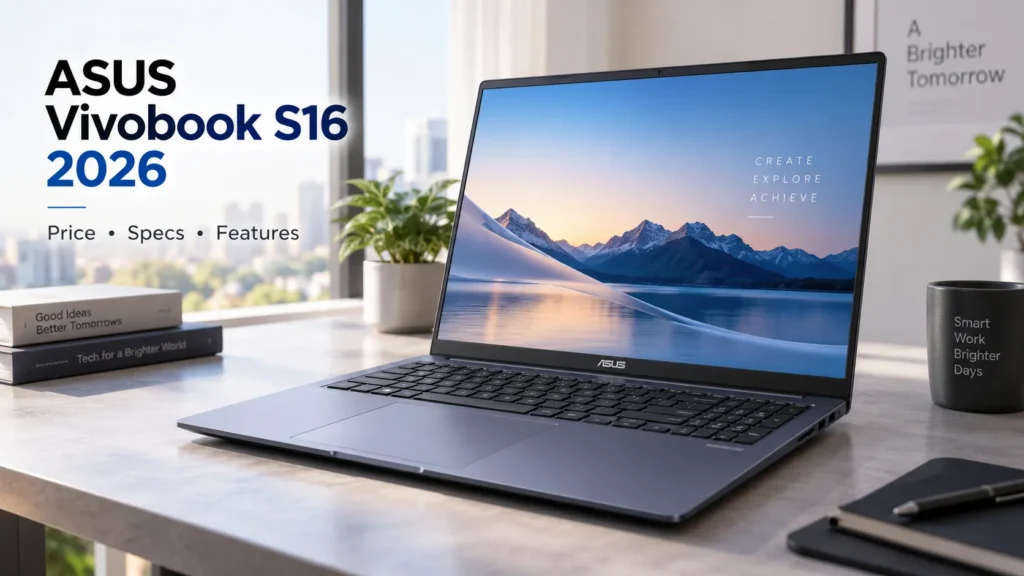
- ASUS Vivobook S16 Price, Specifications, Features & Is It Worth Buying 2026?
- Best AI Laptops in 2026: Which One Should You Buy?

- MacBook Neo Review 2026, A18 Pro, 8GB RAM, 256GB SSD: Is Apple’s Cheapest MacBook Worth Buying?
- Best Gaming Laptops 2026: Top Picks for Every Budget

- Best Laptop Under ₹50000 in India 2026 | Top 10 Latest Picks

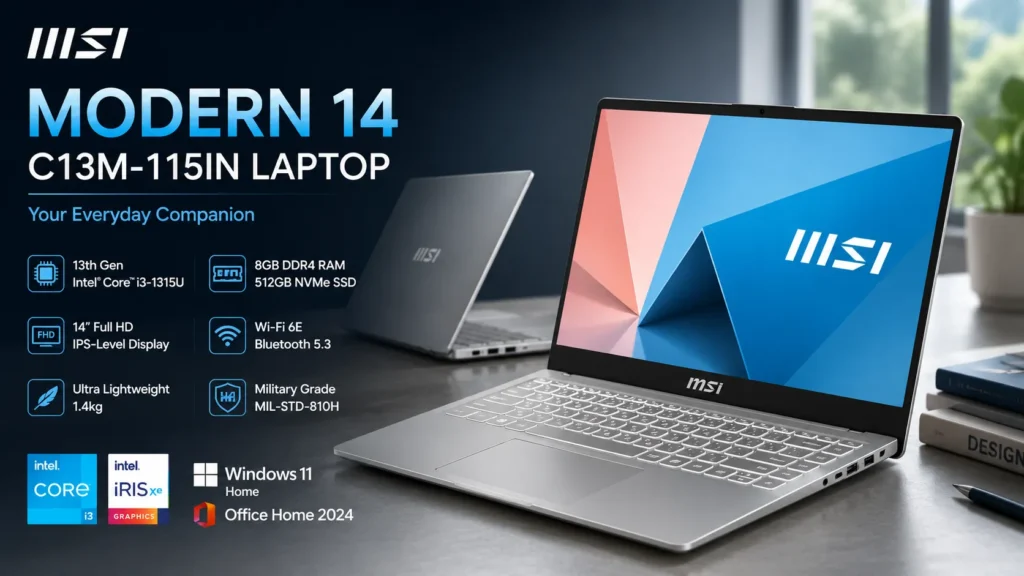
- MSI Modern 14 C13M-115IN Laptop Review: Specifications, Features, Price & Performance
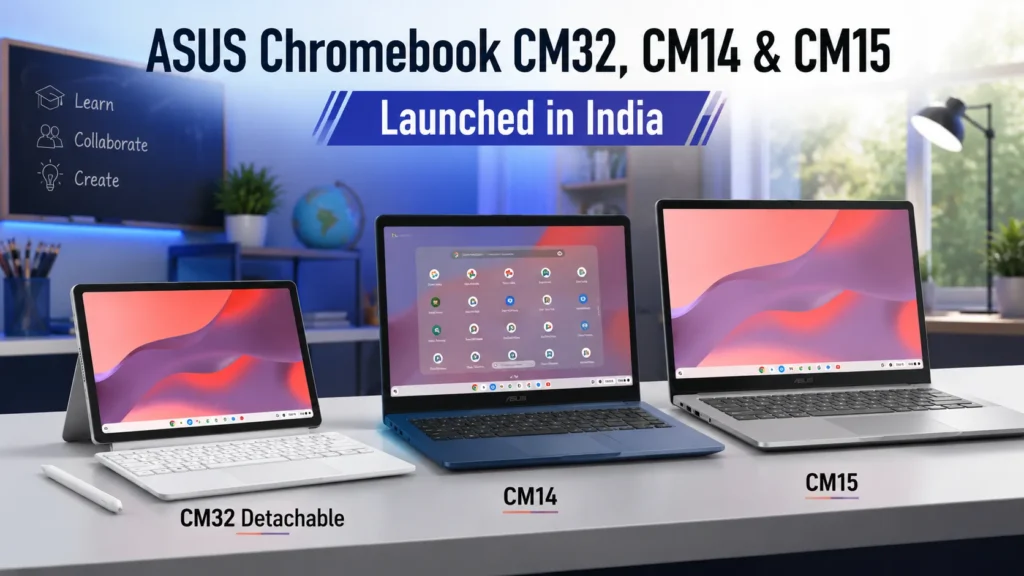
- ASUS Chromebook CM32 Detachable, CM14 & CM15 Launched in India: Price & Specs
- Acer Nitro V15 2025 Powerful Gaming Laptop Review & Price
Latest Phone
- Lava Virat Curve 5G
 ₹20,999
 - OnePlus N6 Lite 4G
 ₹16,999
 - AI+ Nova 2 Power 5G
 ₹16,999
 - Google Pixel 11
 ₹89,999

Aman is a content writer specializing in technology and automobile topics, including smartphones, gadgets, car reviews, and electric vehicles. He creates clear and informative articles that help readers understand the latest updates, features, and trends in a simple and reliable way.