
AI laptops have moved beyond being a marketing label. In 2026, a genuinely capable AI laptop combines a conventional CPU and GPU with a dedicated NPU (Neural Processing Unit) or other specialized AI hardware designed to handle machine-learning tasks efficiently.
An NPU can process certain AI workloads locally while using less power than asking the CPU or GPU to handle everything. On Windows, this has helped enable the Copilot+ PC category, including features such as Recall, Windows Studio Effects, Live Captions with translation and Cocreator. Microsoft says its latest Snapdragon X2-powered Surface laptops use an 80-TOPS NPU for local AI processing.
Apple takes a different approach. Its M5 Pro and M5 Max chips combine CPU, GPU, Neural Engine and Neural Accelerators, with Apple specifically targeting on-device AI, local LLMs and professional creative workloads.
That distinction matters. Not every laptop carrying an “AI” badge will deliver the same AI capability. The best AI laptops in 2026 need the right combination of NPU performance, CPU/GPU power, memory, software support, battery efficiency and application compatibility.
For this guide, we have selected five strong options for different types of buyers.
Quick Best AI Laptops in 2026 Comparison
| Laptop | Processor / AI Platform | NPU / AI Capability | RAM | Storage | Display | Battery Positioning | Starting Price |
|---|---|---|---|---|---|---|---|
| MacBook Pro 14/16 M5 Pro/Max | Apple M5 Pro/Max | 16-core Neural Engine + GPU Neural Accelerators | 24GB+ | 1TB+ M5 Pro; 2TB+ M5 Max | Liquid Retina XDR, up to 120Hz | Up to 24 hours | $2,199 |
| Surface Laptop 8th Edition | Snapdragon X2 Plus/Elite | Hexagon NPU, 80 TOPS | Up to 64GB | Up to 2TB | 13.8″/15″ PixelSense, up to 120Hz | Up to 20/19 hours video | From $1,299.99 |
| ASUS Zenbook S 16 | Ryzen AI 9 HX 370 / Ryzen AI 7 350 / Ryzen AI 9 465 | AMD XDNA NPU, up to 50 TOPS | Up to 32GB | 1TB | 16″ 3K OLED, 120Hz | 78–83Wh battery | $1,999.99 US |
| Dell XPS 14 (2026) | Core Ultra Series 3 | Intel AI Boost, up to 50 TOPS | Up to 32GB on listed configs | 512GB–1TB+ | 14″ 2K LCD or 2.8K OLED | Designed for all-day use | From $1,639.99* |
| ThinkPad X1 Carbon Gen 14 Aura Edition | Core Ultra Series 3 | Up to 50 TOPS NPU | Up to 64GB | Up to 2TB | 14″ WUXGA or 2.8K OLED | Up to 32.8h local video on selected config | From $2,249* |
📌 Read more:
- Best Smartphones for Students in 2026: Battery, Performance, Camera and Value
- Xiaomi 18 Pro vs Xiaomi 18 Pro Max: Price, Specifications, Features and Full Review
- Apple Event iPhone 18 Pro and iPhone 18 Pro Max, iPhone Duo & Apple Watch Series 12, Apple Watch Ultra 4 and AirPods 5.
- POCO F9 Ultra Price, Specifications, Features and Full Review
- Best Camera Phones 2026: Top 5 Phones for Photography and Video
- Best Phones With 8000mAh Battery in 2026
Best AI Laptops in 2026
1. Apple MacBook Pro with M5 Pro or M5 Max
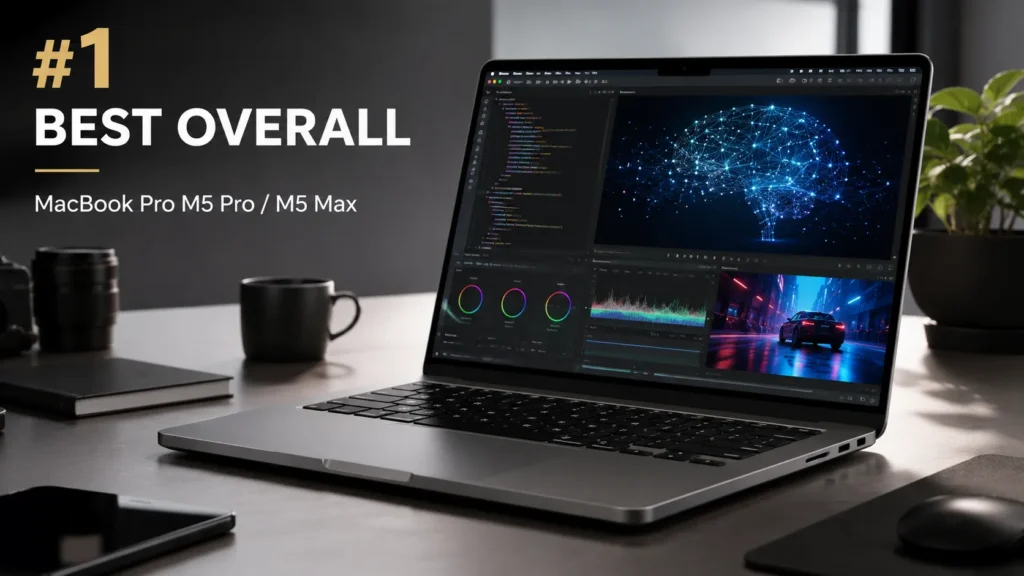
Why it is on this list: The MacBook Pro is one of the strongest choices for demanding local AI work because Apple has built AI acceleration directly into multiple parts of the M5 Pro and M5 Max architecture.
Processor / platform: M5 Pro and M5 Max feature up to an 18-core CPU, a next-generation GPU and a 16-core Neural Engine. The GPU also incorporates Neural Accelerators in every GPU core.
AI/NPU capabilities: Apple does not market the Neural Engine using the same TOPS metric used by Windows AI PCs. Instead, M5 Pro and M5 Max combine the Neural Engine with GPU Neural Accelerators and high-bandwidth unified memory. Apple claims up to four times the AI performance of the previous generation in its own testing.
Display: The 14- and 16-inch models use Liquid Retina XDR displays with up to 120Hz ProMotion, high HDR brightness and optional nano-texture glass.
Performance: This is the pick for people who need more than AI assistants. Apple specifically positions M5 Pro for complex coding, data analysis, creative applications and scientific workloads, while M5 Max targets even heavier workloads.
Battery life: Apple rates the new MacBook Pro for up to 24 hours of battery life, depending on configuration and workload.
Software and AI features: Apple Intelligence is integrated into macOS, while applications such as LM Studio can use the hardware for local LLM workloads. Apple also highlights AI-assisted video, image and professional workflows.
Portability/build quality: Excellent materials, strong speakers, extensive connectivity and a premium chassis make it a serious professional workstation rather than simply an AI ultrabook.
Price and availability: The 14-inch M5 Pro starts at $2,199 in the US; M5 Max configurations start substantially higher.
Main strengths: Exceptional pro performance, sophisticated on-device AI hardware, excellent display, long battery life.
Main limitations: Expensive; macOS compatibility can be an issue for software built specifically around Windows; RAM and storage are not user-upgradable.
Who should buy it: Developers, researchers, photographers, video editors and professionals who want powerful local AI capability without moving to a desktop workstation.
2. Microsoft Surface Laptop 8th Edition
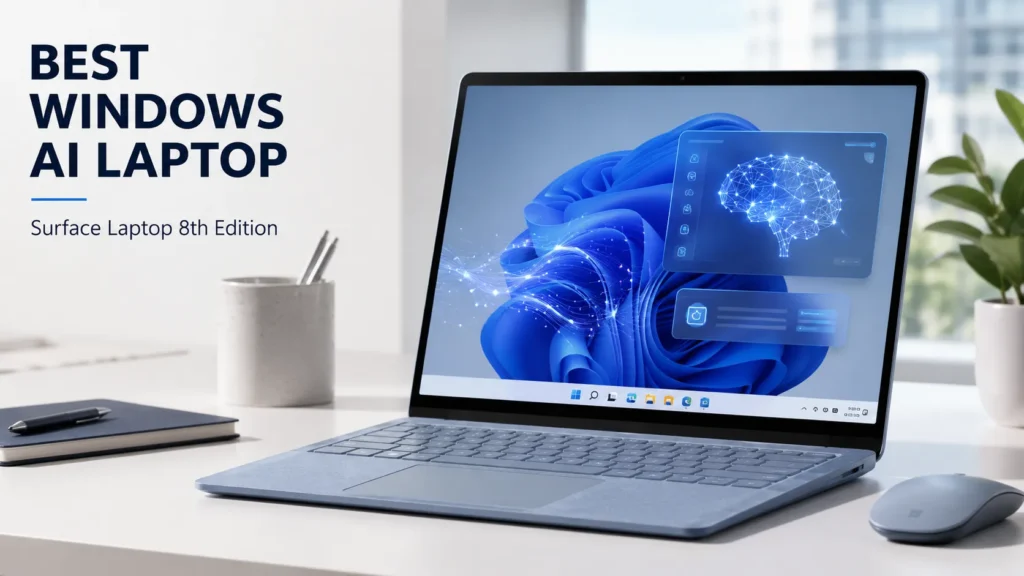
Why it is on this list: If your priority is Windows AI, the Surface Laptop 8th Edition is one of the clearest choices.
Processor / platform: The 13.8- and 15-inch versions can use Snapdragon X2 Plus or Snapdragon X2 Elite processors.
AI/NPU capabilities: The Snapdragon X2 platform uses Qualcomm’s Hexagon NPU with 80 TOPS of AI processing. Microsoft specifically highlights local AI processing and Copilot+ PC experiences.
Display: The 13.8-inch model has a 2304×1536 touchscreen with up to 120Hz, while the 15-inch version offers a larger 3270×2180 panel.
Performance: Snapdragon X2 makes this especially attractive for office work, browsing, communication and AI-assisted productivity. The ARM platform also emphasizes efficiency.
Battery life: Microsoft rates the 13.8-inch version for up to 20 hours of local video playback and the 15-inch model for up to 19 hours. Web-browsing figures are lower, at up to 16 and 14 hours respectively.
Software and AI features: Copilot+, Recall, Live Captions with translation, Windows Studio Effects and Cocreator are among Microsoft’s highlighted AI experiences.
Portability/build quality: The 13.8-inch model weighs about 1.34kg, while the 15-inch version is 1.66kg. Both retain useful USB-A alongside USB-C/USB4.
Price and availability: The 13.8-inch model starts around $1,299.99 in Microsoft’s US listing, although regional prices vary.
Main strengths: Excellent Windows AI integration, strong battery positioning, good displays, premium design.
Main limitations: ARM compatibility is still an important consideration for specialized Windows software, games and older applications.
Who should buy it: Students, office workers and professionals who specifically want the strongest combination of Windows and Copilot+ AI features.
3. ASUS Zenbook S 16
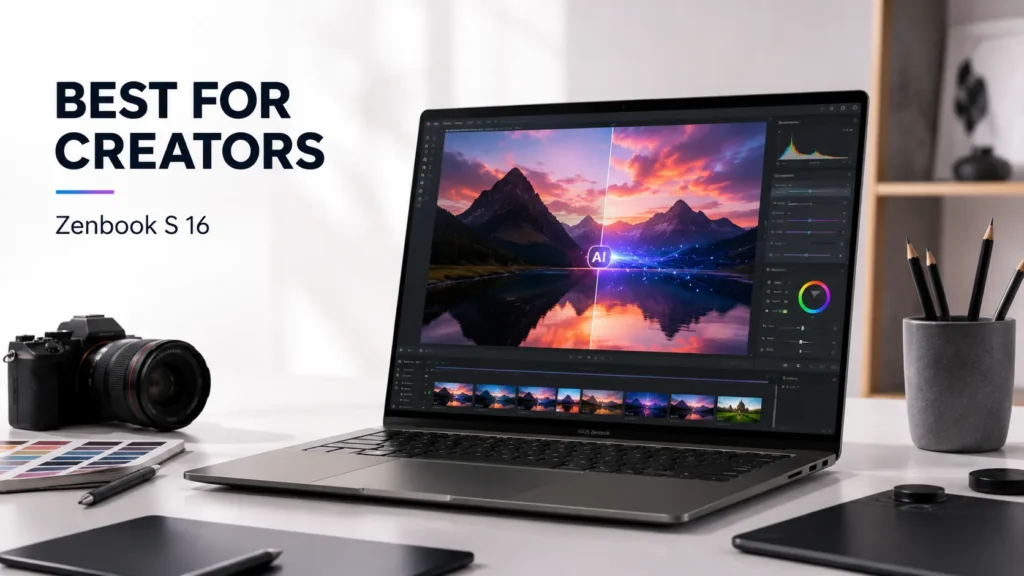
Why it is on this list: The Zenbook S 16 combines a relatively light 16-inch design with AMD’s Ryzen AI platform and a high-quality OLED display.
Processor / platform: Current configurations include Ryzen AI 9 HX 370, Ryzen AI 7 350 and Ryzen AI 9 465 processors. ASUS specifies an XDNA NPU of up to 50 TOPS.
AI/NPU capabilities: The 50-TOPS NPU makes it a genuine Copilot+ PC rather than an ordinary laptop with software branded as AI.
Display: The 16-inch 2880×1800 OLED panel runs at 120Hz and offers 100% DCI-P3 coverage. Selected versions reach 1,100 nits HDR peak brightness.
Performance: Integrated Radeon graphics mean this is not a replacement for a workstation with a powerful discrete GPU, but it is well suited to productivity, photo work, light creative workloads and everyday AI applications.
Battery life: Depending on configuration, ASUS lists 78Wh or 83Wh batteries. Rather than presenting an unsupported universal runtime number, the battery capacity is the safer comparison because actual endurance depends heavily on configuration and workload.
Software and AI features: ASUS includes AI Noise Canceling and other MyASUS utilities, alongside Windows 11 and Copilot+ functionality.
Portability/build quality: At around 1.5kg, it is unusually light for a 16-inch laptop and includes USB4, USB-A, HDMI and an SD card reader.
Price and availability: ASUS lists a US starting price of $1,999.99, although the manufacturer notes that the displayed price may not correspond to every specification.
Main strengths: Excellent OLED screen, light 16-inch design, 50-TOPS NPU, useful connectivity.
Main limitations: Integrated graphics limit demanding 3D and GPU-heavy AI workloads; memory is onboard.
Who should buy it: Creators and professionals who want a large, color-accurate display without carrying a heavy workstation.
4. Dell XPS 14 (2026)
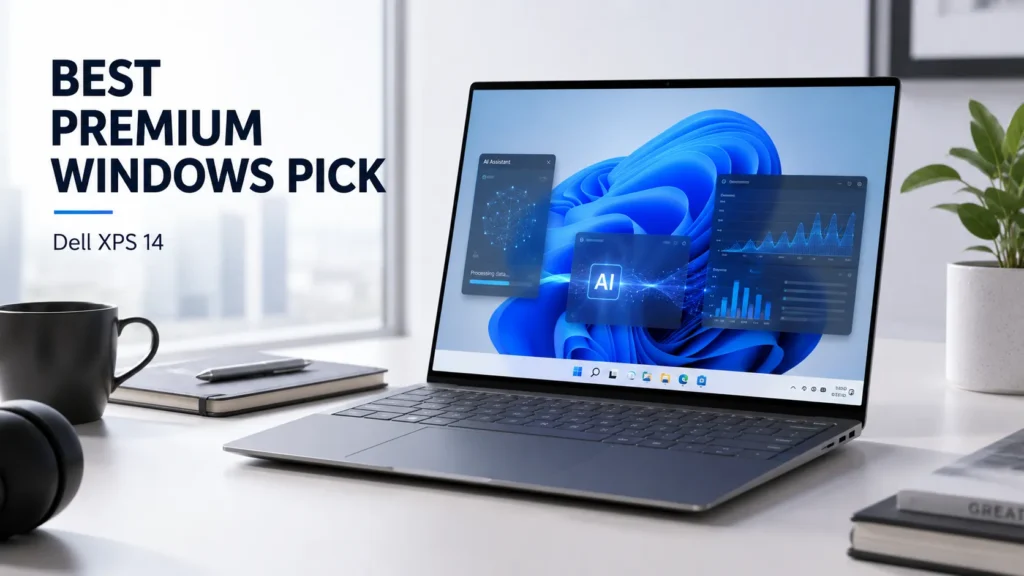
Why it is on this list: Dell’s redesigned 2026 XPS 14 brings Intel’s newest Core Ultra Series 3 platform and Copilot+ certification into a premium 14-inch chassis.
Processor / platform: Options include Core Ultra 5 325, Core Ultra 7 355 and higher-end Core Ultra X7/X9 processors.
AI/NPU capabilities: Intel’s AI Boost NPU reaches up to 50 TOPS on the higher Series 3 processors.
Display: Configurations include a 14-inch 1920×1200 1–120Hz LCD and a 2880×1800 OLED touchscreen.
Performance: The higher X7 configurations provide substantially more CPU and integrated Arc graphics capability than entry-level models, making them more appropriate for heavier productivity and creative work.
Battery life: Dell positions the XPS 14 as an all-day laptop, with a 70Wh battery listed for the current chassis. Actual endurance varies by processor, display and workload.
Software and AI features: Windows 11 and Copilot+ support provide access to Microsoft’s AI features, while Intel’s NPU handles compatible local workloads.
Portability/build quality: The CNC-machined aluminum construction weighs around 1.36kg in listed configurations. It has three Thunderbolt 4 ports, but its port selection is less generous than some competing creator laptops.
Price and availability: Dell’s current US listing starts around $1,639.99, although configuration and promotional pricing can change.
Main strengths: Premium design, modern Intel AI platform, OLED option, compact size.
Main limitations: Expensive upgrades; USB-C/Thunderbolt-heavy connectivity may require adapters; the strongest configurations become costly.
Who should buy it: Professionals who want a premium Windows laptop with Intel’s latest AI PC hardware.
5. Lenovo ThinkPad X1 Carbon Gen 14 Aura Edition
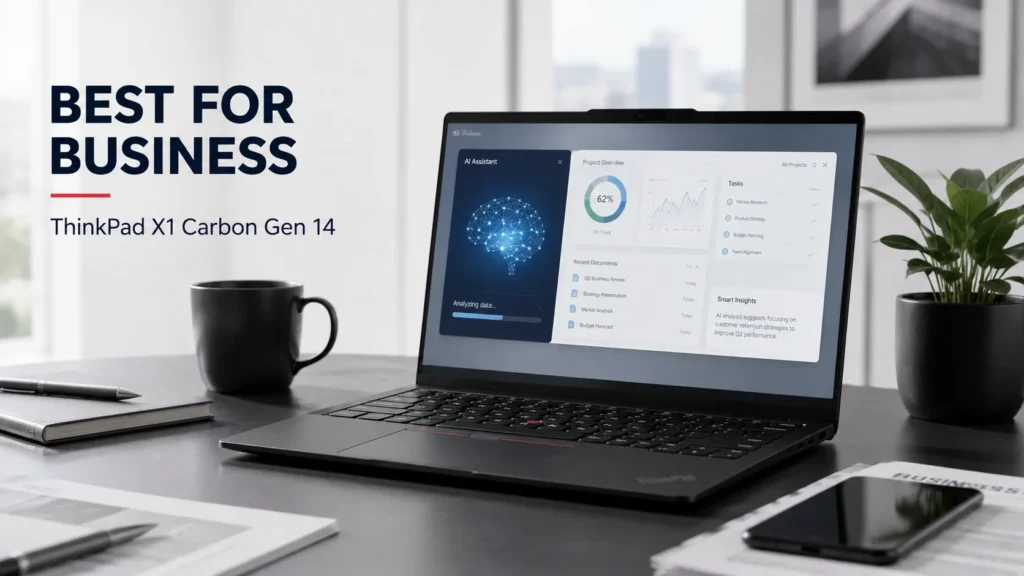
Why it is on this list: The X1 Carbon remains focused on business users, but the Gen 14 Aura Edition brings modern Core Ultra Series 3 processors and up to 50-TOPS NPU capability into an exceptionally light chassis.
Processor / platform: Lenovo offers Core Ultra 5, Core Ultra 7 and Core Ultra X7 Series 3 processors. The X7 368H reaches up to 50 TOPS of NPU performance.
AI/NPU capabilities: The machine qualifies as a Copilot+ PC, with Lenovo specifying up to 50 TOPS depending on processor.
Display: Options include a 14-inch WUXGA IPS display or 2.8K OLED with 120Hz VRR and 100% DCI-P3 coverage.
Performance: This is optimized more for professional productivity than GPU-heavy creation. It is a better fit for documents, coding, meetings, multitasking and business applications than demanding 3D rendering.
Battery life: Lenovo lists a 58Wh battery and up to 32.8 hours of local video playback on a specified configuration. Other configurations produce lower results, so this should not be interpreted as universal real-world battery life.
Software and AI features: Windows 11, Copilot+ support, Lenovo’s business utilities and optional vPro capabilities make it particularly suitable for managed corporate environments.
Portability/build quality: Starting around 1kg, it is the lightest machine in this group. It also retains USB-A, HDMI and Thunderbolt 4.
Price and availability: Lenovo’s US listings show configurations from roughly $2,249, with higher-spec versions costing considerably more.
Main strengths: Extremely light, business-friendly design, strong battery options, up to 64GB RAM, excellent connectivity.
Main limitations: Expensive; soldered RAM cannot be upgraded; integrated graphics are not aimed at serious GPU-heavy creation.
Who should buy it: Business professionals, executives, frequent travelers and developers who prioritize portability, security and reliability.
Read: Nothing Phone 4a Pro vs Samsung Galaxy A57 5G
Detailed Comparison
Best overall: MacBook Pro M5 Pro/Max – the strongest combination of high-end performance, on-device AI acceleration, battery life and professional software.
Best for Windows AI features: Surface Laptop 8th Edition – Microsoft’s tight integration between Snapdragon hardware, Copilot+ and Windows makes it the clearest choice.
Best battery-life positioning: Surface Laptop 8th Edition – Microsoft’s official testing gives it up to 20 hours of local video playback on the 13.8-inch model.
Best for creators: MacBook Pro M5 Pro/Max – particularly for video, image, audio and professional AI workflows.
Best for students/productivity: Surface Laptop 8th Edition – excellent portability, battery positioning and mainstream Windows software support.
Best premium option: MacBook Pro M5 Max – aimed at users who genuinely need workstation-level performance.
Best value: Dell XPS 14 – its entry configuration offers a genuine Core Ultra Series 3 Copilot+ platform without requiring the highest-end processor.
Read: Best Gaming Laptops 2026: Top Picks for Every Budget
What Should You Look For in an AI Laptop in 2026?
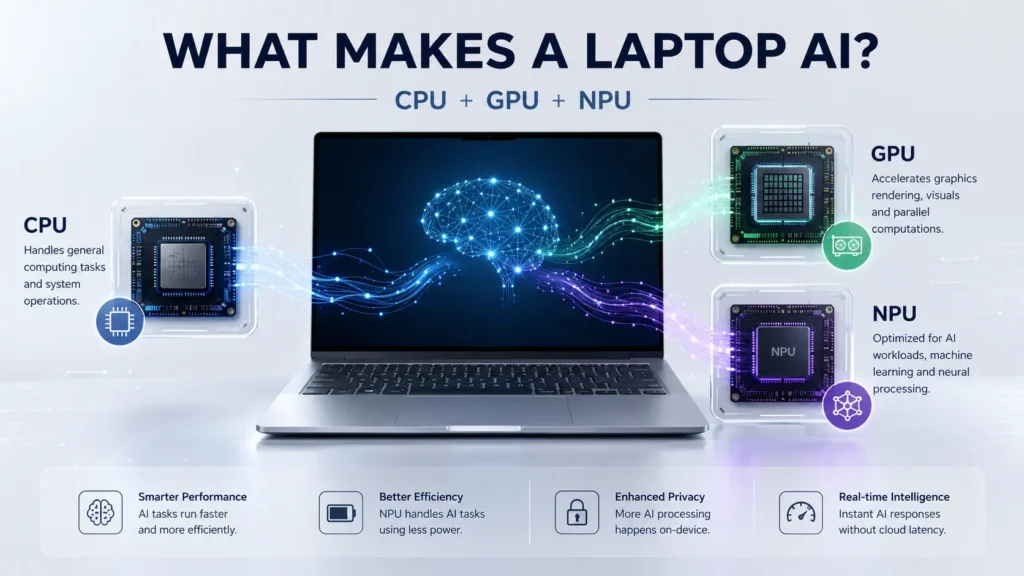
NPU performance: TOPS is useful, but it is not a universal performance score. A 50-TOPS NPU is not automatically twice as useful as a 25-TOPS NPU. Software support matters just as much.
CPU and GPU: AI workloads can run on the NPU, CPU or GPU. Developers, creators and researchers should consider the entire platform rather than buying based on NPU numbers alone.
RAM: For an AI PC, 16GB should be considered a sensible baseline. Choose 32GB or more for development, professional creative work and local AI models.
Storage: 512GB is workable; 1TB is much more comfortable for modern applications, media and local AI models.
Display: Resolution, color accuracy, brightness and refresh rate matter more than an AI display label.
Battery efficiency: An efficient NPU can handle supported AI tasks without waking the more power-hungry CPU or GPU.
On-device vs cloud AI: On-device processing can improve privacy, latency and offline capability. Cloud AI can still provide access to much larger models and services.
AI software support: Hardware only matters when applications can use it. Check whether the apps you actually use support the NPU, GPU acceleration or local AI APIs.
Windows vs macOS: Windows currently offers the broadest Copilot+ PC ecosystem. macOS offers Apple’s tightly integrated silicon and strong professional application ecosystem.
Upgradeability: Check RAM and SSD designs before buying. Many thin AI laptops have soldered memory.
Ports and connectivity: Creators may need SD cards and fast external storage, while business users may prioritize HDMI, USB-A, Thunderbolt and optional cellular connectivity.
Long-term support: A laptop should remain useful after today’s AI features become ordinary. Processor performance, software support, repairability and operating-system longevity matter more than a single AI feature.
Read: Best Laptop Under ₹50000 in India 2026 | Top 10 Latest Picks
Which AI Laptop Should You Buy?
- General users: Surface Laptop 8th Edition is the easiest Windows recommendation; MacBook Pro is overkill unless you need its extra performance.
- Students: Surface Laptop 8th Edition offers an attractive mix of battery life, portability and AI productivity features.
- Professionals: Surface Laptop or ThinkPad X1 Carbon, depending on whether you prioritize Microsoft’s consumer experience or business-focused features.
- Content creators: MacBook Pro is the strongest overall choice; Zenbook S 16 is attractive if you prefer Windows and a large OLED display.
- Developers: MacBook Pro is excellent for local AI and demanding development, while the ThinkPad X1 Carbon is compelling for Windows/Linux-oriented workflows.
- Business users: ThinkPad X1 Carbon is the most natural fit, particularly for enterprise deployments.
- Battery-focused buyers: Surface Laptop 8th Edition and ThinkPad X1 Carbon deserve the closest look.
- Users wanting the strongest AI features: MacBook Pro M5 Pro/Max for demanding local AI workloads; Surface Laptop 8th Edition for the richest Windows Copilot+ experience.
Read: MacBook Neo Review 2026, A18 Pro, 8GB RAM, 256GB SSD
Final Verdict
1 – MacBook Pro M5 Pro/Max
The most capable overall machine here for serious professional work and local AI workloads. Its price means it is not for everyone.
2 – Microsoft Surface Laptop 8th Edition
The best choice for buyers who specifically want Windows AI and Copilot+ features combined with strong efficiency.
3 – ASUS Zenbook S 16
A compelling creator-oriented Windows laptop with a 50-TOPS NPU, excellent OLED display and surprisingly light 16-inch chassis.
4 – Dell XPS 14 (2026)
A premium, compact Intel AI PC with a strong display selection and modern Core Ultra Series 3 hardware.
5 – ThinkPad X1 Carbon Gen 14 Aura Edition
The best business-focused option here, especially for travelers who value low weight, connectivity and enterprise features over graphics performance.
The biggest lesson from the AI PC 2026 generation is simple: don’t buy an AI laptop just because the box says AI. Look at the NPU, CPU, GPU, memory, software compatibility and battery efficiency together. For many buyers, a good AI laptop will feel like a normal fast laptop most of the time-with AI acceleration becoming valuable when the software actually knows how to use it.
📌 Read more:
- how much RAM do you need in a smartphone? 6GB vs 8GB vs 12GB vs 16GB
- Best AI Laptops in 2026: Which One Should You Buy?
- Apple Mac mini M6 & M5 Pro: Price, Specs, Features & Availability
- MacBook Neo Review 2026, A18 Pro, 8GB RAM, 256GB SSD: Is Apple’s Cheapest MacBook Worth Buying?
- Best ANC Earbuds of 2026: Top 5 Noise Cancelling Wireless Earbuds Compared
- Xiaomi Watch S5 46mm vs Redmi Watch 6 NFC vs Redmi Watch 6
Best AI Laptops in 2026 FAQs
Q1. What is an AI laptop?
A1. An AI laptop is a computer designed with dedicated hardware for AI workloads, typically combining a CPU, GPU and NPU. Intel describes an AI PC as a system using these three processing elements to handle AI workloads locally and efficiently.
Q2. Is an NPU important in a laptop in 2026?
A2. Yes, particularly if you want on-device AI features. An NPU is designed to handle certain AI calculations efficiently, reducing the need to rely entirely on the CPU or GPU.
Q3. Are AI laptops worth buying?
A3. For a new laptop, an NPU is increasingly useful because operating systems and applications are adding local AI capabilities. However, paying a large premium solely for an NPU does not make sense if you rarely use AI features.
Q4. Which AI laptop is best for students?
A4. The Surface Laptop 8th Edition is the strongest general recommendation because it combines Copilot+ features, strong battery-life claims, a portable design and mainstream Windows functionality.
Q5. Can AI laptops run AI features offline?
A5. Yes. Many AI features can run locally when the required model and software support are available. Microsoft’s Copilot+ platform, for example, is designed around local processing for supported experiences. Larger or more sophisticated AI services may still require an internet connection and cloud processing.
Disclaimer: Product prices, features, and specifications mentioned on this website may change without notice. Please check the official brand website or trusted retailers for the latest updates before making any purchase.
Related Posts
- ASUS Vivobook S16 Price, Specifications, Features & Is It Worth Buying 2026?
- Best AI Laptops in 2026: Which One Should You Buy?

- MacBook Neo Review 2026, A18 Pro, 8GB RAM, 256GB SSD: Is Apple’s Cheapest MacBook Worth Buying?
- Best Gaming Laptops 2026: Top Picks for Every Budget
- Best Laptop Under ₹50000 in India 2026 | Top 10 Latest Picks
- MSI Modern 14 C13M-115IN Laptop Review: Specifications, Features, Price & Performance
- ASUS Chromebook CM32 Detachable, CM14 & CM15 Launched in India: Price & Specs
- Acer Nitro V15 2025 Powerful Gaming Laptop Review & Price
Latest Phone
- Lava Virat Curve 5G
 ₹20,999
 - OnePlus N6 Lite 4G
 ₹16,999
 - AI+ Nova 2 Power 5G
 ₹16,999
 - Google Pixel 11
 ₹89,999

Abdul Azeem is a content writer covering automobiles, smartphones, gadgets, and electric vehicles. He writes informative and easy-to-understand articles focused on the latest launches, features, comparisons, and technology updates for everyday readers.