
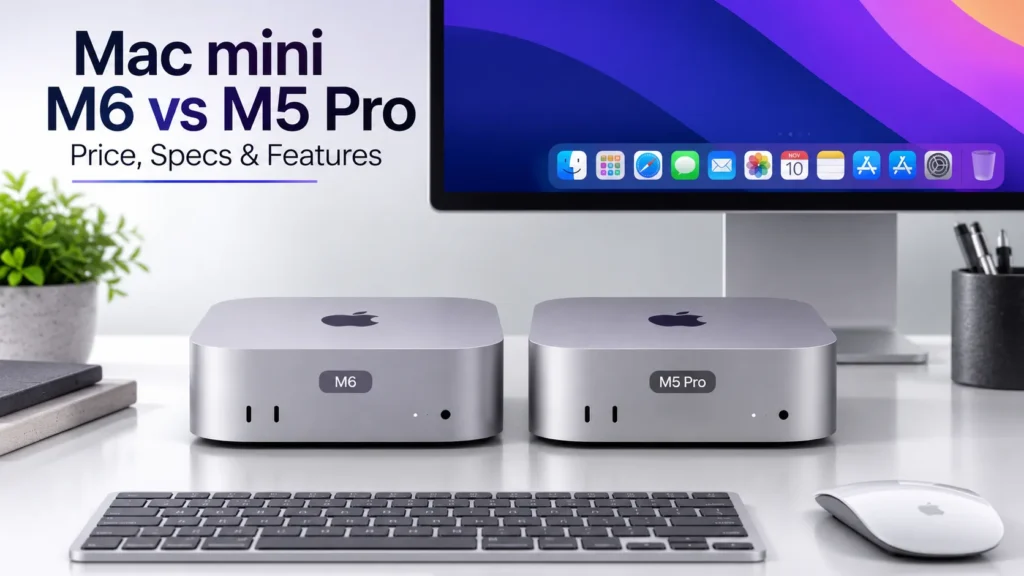
Apple’s Mac mini continues to target users who want a powerful desktop computer without taking up much space. The latest Apple Mac mini M6 and Mac mini M5 Pro configurations are designed for different types of users, from everyday productivity and programming to demanding creative and professional workloads.
The biggest attraction is the compact desktop design. The Mac mini can sit on a desk without taking up much room while still offering modern Apple silicon, multiple connectivity options, external display support and macOS.
The M6 configuration is aimed at users who need strong everyday and creative performance, while the M5 Pro configuration is designed for people who regularly work with heavier workloads and need more CPU, GPU, memory and connectivity capability.
Editorial Note: This article is based on Apple’s official product information and editorial analysis. GadiAurMobile has not independently hands-on tested the Mac mini M6 or M5 Pro. Apple’s performance claims are presented as manufacturer-stated figures.
Apple Mac mini M6 & M5 Pro: Quick Overview
| Feature | Mac mini M6 | Mac mini M5 Pro |
|---|---|---|
| Processor | Apple M6 | Apple M5 Pro |
| CPU | Up to 12-core CPU | Up to 18-core CPU |
| GPU | Up to 12-core GPU | Up to 20-core GPU |
| Neural Engine | Dual 16-core Neural Engine | 16-core Neural Engine |
| Unified Memory | Up to 32GB | Up to 64GB |
| Memory Bandwidth | Up to 170GB/s | Up to 307GB/s |
| Display Support | Up to two 6K displays and one 5K display | Up to three 6K displays |
| Thunderbolt | Thunderbolt connectivity | Thunderbolt 5 |
| Ethernet | Up to 2.5Gb Ethernet | Up to 2.5Gb Ethernet |
| Wireless | Wi-Fi 7 | Wi-Fi 7 |
| Bluetooth | Bluetooth 6 | Bluetooth 6 |
| Design | Compact aluminum desktop | Compact aluminum desktop |
| Operating System | macOS | macOS |
| Storage | Multiple configurations | Multiple configurations |
| Availability | Check current Apple India listing | Check current Apple India listing |
| Price | Check current Apple India pricing | Check current Apple India pricing |
Specifications and configurations can vary by selected model. Check Apple’s official India listing for the latest configuration and pricing.
📌 Read more:
- NVIDIA RTX Spark AI PC: Performance, Features, Price & Launch
- how much RAM do you need in a smartphone? 6GB vs 8GB vs 12GB vs 16GB
- Best AI Laptops in 2026: Which One Should You Buy?
- Apple Mac mini M6 & M5 Pro: Price, Specs, Features & Availability
- MacBook Neo Review 2026, A18 Pro, 8GB RAM, 256GB SSD: Is Apple’s Cheapest MacBook Worth Buying?
- Best ANC Earbuds of 2026: Top 5 Noise Cancelling Wireless Earbuds Compared
Apple Mac mini M6 Design and Size
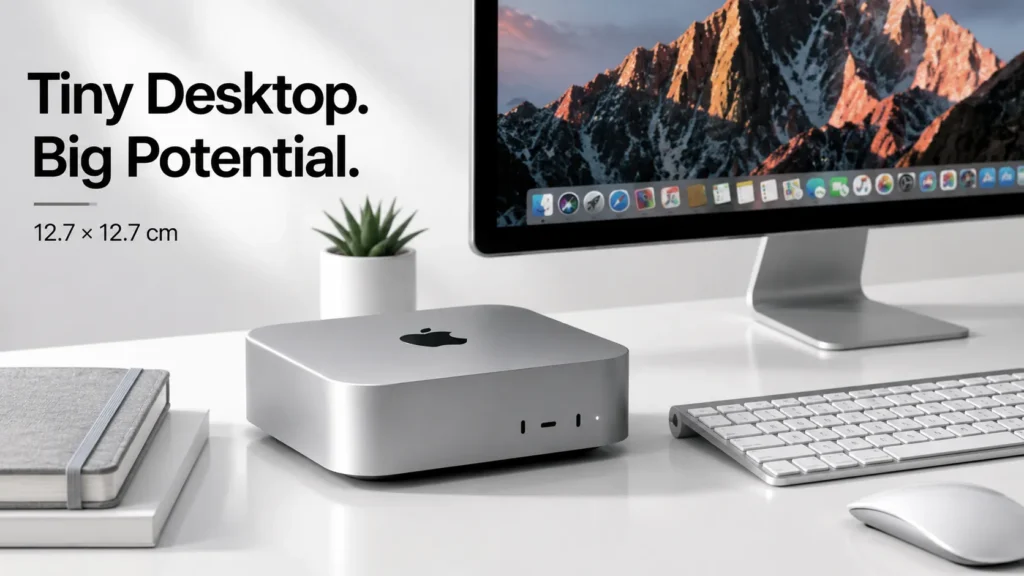
The Mac mini keeps its biggest advantage: a very small desktop footprint. The compact 12.7 × 12.7 cm design makes it easy to place on a home-office desk, workstation or small office setup. Its aluminum construction gives it a clean desktop appearance without requiring the space normally associated with a traditional desktop computer.
Unlike a laptop, however, the Mac mini does not include a built-in screen, keyboard or trackpad. Users need to connect their own display and peripherals.
This can actually be useful for people who already have a good monitor and want to upgrade the computer without replacing their entire setup. The front and rear connectivity also make the Mac mini practical for users who regularly connect external storage, displays, accessories and networking equipment.
Apple Mac mini M6 Specifications & Performance
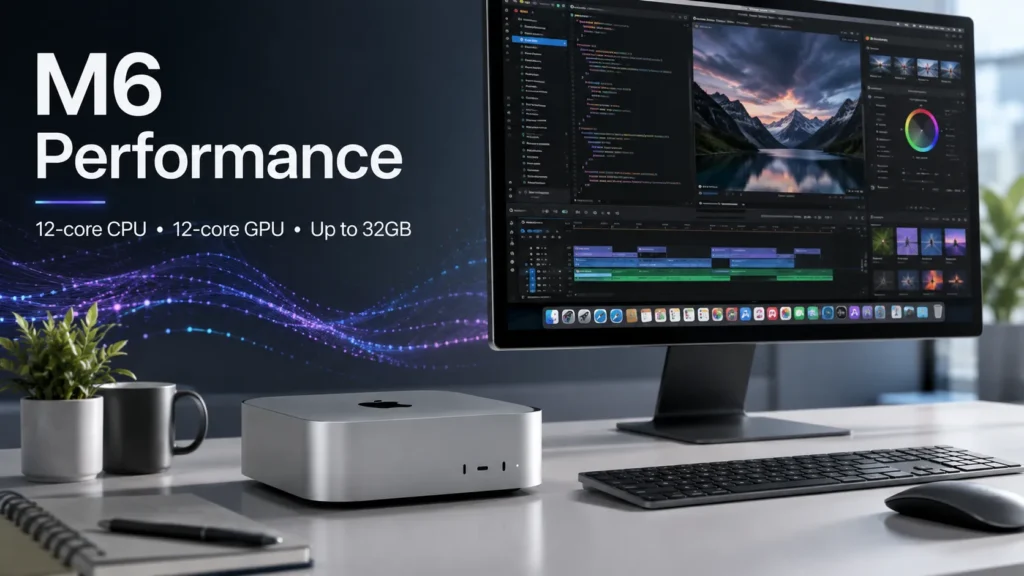
The Apple Mac mini M6 is designed for users who want a compact desktop with enough performance for everyday work and more demanding tasks.
Apple lists the M6 configuration with a 12-core CPU and 12-core GPU, along with a dual 16-core Neural Engine. It can be configured with up to 32GB of unified memory and up to 170GB/s memory bandwidth.
In simple terms, unified memory allows the processor and graphics system to access the same pool of memory. This can be useful for applications that handle large files, graphics, video and AI workloads.
The M6 Mac mini also supports up to two 6K displays and one 5K display, making it suitable for users who prefer a multi-monitor workstation.
For office work, web browsing, coding and general productivity, this hardware provides considerably more capability than a basic desktop computer. Creative users can also consider it for photo editing, video work and other applications that benefit from a capable CPU and GPU.
However, actual performance depends on the application, configuration and workload. Apple’s performance claims should therefore be understood as Apple’s own figures rather than independent GadiAurMobile benchmark results.
Read: Nothing Phone 4a Pro vs Samsung Galaxy A57 5G
Mac mini M5 Pro Specifications & Performance
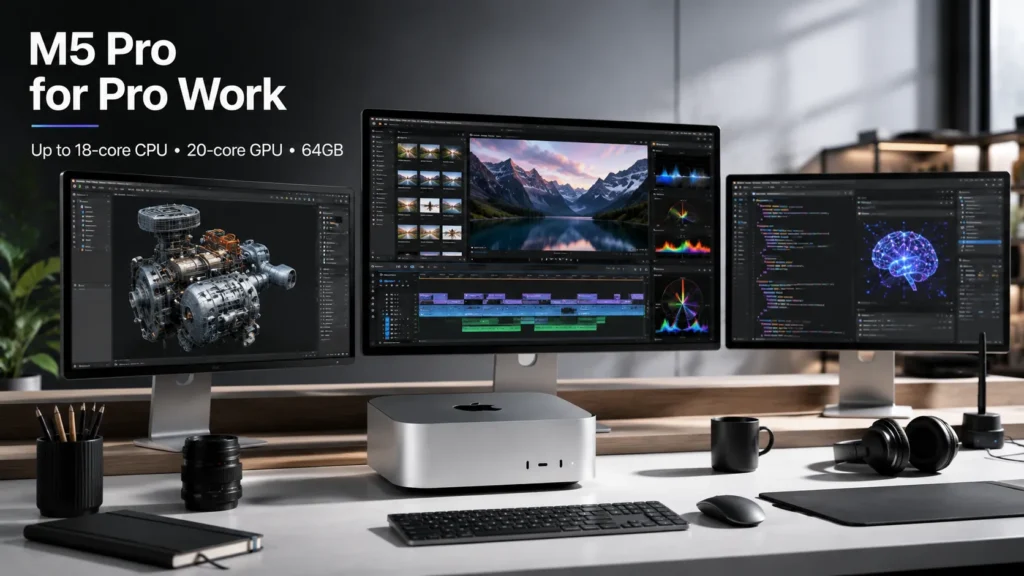
The Mac mini M5 Pro is aimed at users who need more performance than the standard configuration can provide. Apple lists up to an 18-core CPU, 20-core GPU, 16-core Neural Engine, 64GB unified memory and up to 307GB/s memory bandwidth.
The additional CPU and GPU resources can be particularly relevant to professional users working with demanding applications. Developers working with large projects, creative professionals handling high-resolution media, 3D users and people experimenting with local AI workloads may have stronger reasons to consider the M5 Pro.
The M5 Pro configuration also supports up to three 6K displays and includes Thunderbolt 5, providing higher-end connectivity for compatible professional setups.
The important point is that the M5 Pro is not necessarily the right choice for everyone. Users who mainly browse the web, use office applications and perform light creative work may not need its additional capabilities.
Apple Mac mini AI Features
Artificial intelligence is an increasingly important part of modern computers, and the Mac mini is designed to support Apple’s AI ecosystem.
Apple Intelligence brings AI-assisted features into compatible Apple devices and applications. The Neural Engine in Apple silicon is designed to accelerate machine-learning workloads.
For users, this can mean AI-assisted productivity features, image-related workflows and other supported intelligent functions without depending entirely on remote processing.
The Mac mini can also be interesting to developers and AI enthusiasts who want to experiment with local AI applications and language models. The amount of available unified memory becomes especially important for such workloads.
However, AI functionality can vary depending on the operating system, application, language and region. Not every announced AI capability should therefore be assumed to be available everywhere.
Apple has also indicated that some Siri AI capabilities are coming later, so users should check Apple’s latest software information before purchasing specifically for an AI feature.
Read: OnePlus 15T vs iQOO Neo 10 – Best Performance Phone
Mac mini Ports and Connectivity
Connectivity is one of the Mac mini’s major advantages over many compact computers. Depending on the selected configuration, users get access to modern Thunderbolt connectivity, USB-C, HDMI, Ethernet and a headphone connection.
The system also supports up to 2.5Gb Ethernet, Wi-Fi 7 and Bluetooth 6, according to Apple’s listed specifications.
The M5 Pro configuration adds Thunderbolt 5, which is particularly relevant for professional users who connect high-speed external storage, displays and other compatible accessories.
For someone building a permanent workstation, this connectivity can reduce the need for multiple adapters and hubs.
📌 Read more:
- Mahindra Thar OG vs Thar Roxx: Price, Features, Dimensions and Key Differences
- Tata Aeris 2026 Price, Specifications, Features, Variants and Mileage
- Mahindra XUV 3XO REVX EDGE Launched: Price, Features & Specs
- Tata Sierra Legend Series Launched: Price, Features and Variants
- Mahindra Thar Facelift 2026: Price, Features, Specifications and What’s New
- Tesla Cybercab Robotaxi Launches in Austin: Price, Features & How It Works
Mac mini for Different Users
Mac mini for Office Work
The Mac mini can be a practical choice for office users who already have a monitor, keyboard and mouse. Its compact size also makes it suitable for smaller workspaces.
Mac mini for Students
Students can use it for research, documents, browsing, programming and creative applications. However, the requirement for a separate display and peripherals should be included in the total cost.
Mac mini for Programmers
Developers may benefit from Apple’s desktop operating system, strong CPU performance and support for multiple displays. The higher memory configurations can also be useful for larger development environments and demanding workloads.
Mac mini for Content Creators
Photo and video editors can consider the Mac mini when their applications benefit from Apple silicon’s CPU, GPU and media capabilities. The M5 Pro is more appropriate to investigate for heavier professional workflows.
Mac mini for AI Users
AI developers and enthusiasts may find the combination of Apple silicon, Neural Engine and unified memory interesting for compatible local AI applications.
The amount of memory should be considered carefully when working with larger local models.
Mac mini for Gaming
The Mac mini can run compatible games available for macOS, but game compatibility remains an important consideration. Buyers looking specifically for the widest possible PC gaming library should compare macOS support with their preferred games before purchasing.
Read: Best Laptop Under ₹50000 in India 2026 | Top 10 Latest Picks
Apple Mac mini vs MacBook
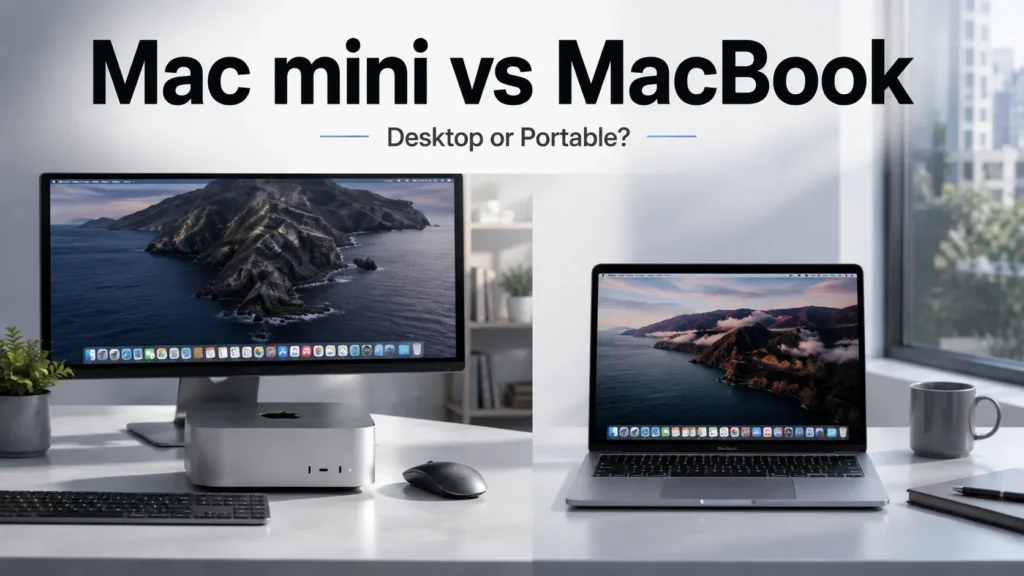
The biggest difference between a Mac mini and a MacBook is portability. The Mac mini is a desktop computer. It requires a separate monitor, keyboard and pointing device, while a MacBook includes the display, keyboard, trackpad and battery.
For a permanent desk setup, the Mac mini can make sense, particularly for users who already own a suitable monitor and accessories. A MacBook is more convenient for students, professionals and anyone who regularly works from different locations.
Neither product is automatically better. The right choice depends mainly on whether the user values a permanent desktop setup or portability.
Apple Mac mini M6 & M5 Pro: Pros and Cons
Pros
- Very compact desktop design
- Powerful Apple silicon configurations
- Multiple connectivity options
- Support for high-resolution external displays
- Apple Intelligence support on compatible systems
- macOS ecosystem
- Higher-performance M5 Pro option
- Suitable for professional and everyday workloads
Cons
- Monitor sold separately
- Keyboard and mouse/trackpad sold separately
- Not designed for portable use
- Higher configurations can become expensive
- External storage may be necessary for users with large media libraries
Who Should Buy the Apple Mac mini M6?
The Apple Mac mini M6 is worth considering for users who want a compact desktop and already have, or are willing to purchase, a monitor and peripherals. It can be suitable for:
- Home-office users
- Students
- Programmers
- Everyday productivity users
- Photo editors
- Content creators
- Apple ecosystem users
- Users interested in desktop AI applications
The M6 configuration should make the most sense when the additional performance of the M5 Pro is not required.
Who Should Buy the Mac mini M5 Pro?
The Mac mini M5 Pro is better suited to users whose workloads regularly require additional processing power. This includes:
- Professional developers
- Video editors
- 3D professionals
- Creative professionals
- AI developers
- Users working with demanding applications
- People who need multiple high-resolution displays
Its higher memory capacity and stronger CPU/GPU configuration can be particularly useful for workloads that scale with additional computing resources.
Who Should Skip the Mac mini?
The Mac mini may not be the right product for someone who wants an all-in-one computer. You may want to consider a MacBook or another type of computer if you need:
- A built-in display
- A built-in keyboard
- A built-in trackpad
- Battery-powered computing
- Easy portability
- A ready-to-use all-in-one setup
Apple Mac mini M6 & M5 Pro Price and Availability
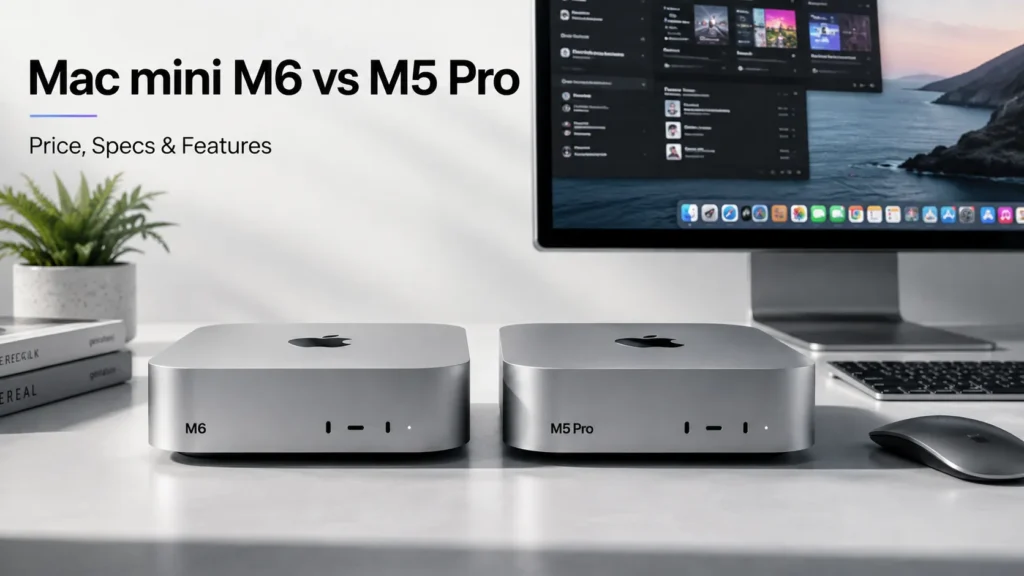
Pricing is one of the most important factors when comparing the Mac mini M6 price and Mac mini M5 Pro price.
Because Apple can change pricing, configurations and availability, the current India pricing should be checked directly on Apple’s official India product page before publication.
Do not assume that the price of one configuration applies to every Mac mini model. Storage, unified memory and processor selection can significantly affect the final price.
Apple’s India page should also be used to confirm the latest availability date rather than relying on an earlier launch announcement.
Final Verdict
The Apple Mac mini remains an interesting option for people who want desktop computing in a very small package.
The Mac mini M6 is positioned toward mainstream users who want strong performance for productivity, programming and creative work. The Mac mini M5 Pro moves into a higher-performance category for professionals with heavier CPU, GPU, memory and display requirements.
The biggest advantage is the combination of a compact design and Apple’s desktop-class silicon. The main limitation is that buyers must provide a display and other peripherals separately.
For someone who already has a monitor and wants a permanent macOS workstation, the Mac mini can be a compelling option. For someone who needs portability, a MacBook is likely to be a more practical choice.
Ultimately, the right Mac mini configuration depends on workload, memory requirements, storage needs, display setup and budget rather than simply choosing the most powerful model.
📌 Read more:
- Best Smartphones for Students in 2026: Battery, Performance, Camera and Value
- Xiaomi 18 Pro vs Xiaomi 18 Pro Max: Price, Specifications, Features and Full Review
- Apple Event iPhone 18 Pro and iPhone 18 Pro Max, iPhone Duo & Apple Watch Series 12, Apple Watch Ultra 4 and AirPods 5.
- POCO F9 Ultra Price, Specifications, Features and Full Review
- Best Camera Phones 2026: Top 5 Phones for Photography and Video
- Best Phones With 8000mAh Battery in 2026
Apple Mac mini M6 FAQs
Q1. What is the Apple Mac mini M6?
A1. The Apple Mac mini M6 is a compact desktop computer powered by Apple’s M6 silicon. It is designed for productivity, programming, creative work and other compatible applications.
Q2. What is the difference between Mac mini M6 and M5 Pro?
A2. The M5 Pro configuration offers higher maximum CPU and GPU core counts, more unified memory and greater memory bandwidth. It is aimed at users with more demanding professional workloads.
Q3. How much RAM does the Mac mini M6 support?
A3. The Mac mini M6 can be configured with up to 32GB of unified memory, according to Apple’s listed specifications.
Q4. How many displays can Mac mini M6 support?
A4. Apple lists support for up to two 6K displays and one 5K display for the M6 configuration.
Q5. Does Mac mini M6 have Wi-Fi 7?
A5. Yes. Apple’s listed connectivity includes Wi-Fi 7.
Q6. Is Mac mini M6 good for AI?
A6. The Mac mini M6 is designed to support compatible Apple Intelligence features and AI applications. Its Neural Engine and unified memory can also be relevant to supported local AI workloads.
Q7. Does Mac mini come with a monitor?
A7. No. The Mac mini is a desktop computer and does not include a built-in display. A separate monitor is required.
Q8. Who should buy the Mac mini M6?
A8. It can be a good fit for users who want a compact desktop, already have a monitor and peripherals, and need a computer for productivity, coding, creative work or compatible AI applications.
Disclaimer: Product prices, features, and specifications mentioned on this website may change without notice. Please check the official brand website or trusted retailers for the latest updates before making any purchase.
Related Posts
- Microsoft Surface Laptop 13 vs Surface Pro 12 Snapdragon X2 Plus, Battery, Display and Price
- ASUS Vivobook S16 Price, Specifications, Features & Is It Worth Buying 2026?
- Best AI Laptops in 2026: Which One Should You Buy?

- MacBook Neo Review 2026, A18 Pro, 8GB RAM, 256GB SSD: Is Apple’s Cheapest MacBook Worth Buying?
- Best Gaming Laptops 2026: Top Picks for Every Budget
- Best Laptop Under ₹50000 in India 2026 | Top 10 Latest Picks
- MSI Modern 14 C13M-115IN Laptop Review: Specifications, Features, Price & Performance
- ASUS Chromebook CM32 Detachable, CM14 & CM15 Launched in India: Price & Specs
Latest Phone
- iQOO Z11 5G
 ₹39,999
 - Lava Virat Curve 5G
 ₹20,999
 - OnePlus N6 Lite 4G
 ₹16,999
 - AI+ Nova 2 Power 5G
 ₹16,999

Founder & Editor
Mohd Bilal is the Founder and Editor of GadiAurMobile, an independent technology and automotive publication covering smartphones, laptops, tablets, smartwatches, audio devices, cars, electric vehicles, buying guides, product comparisons, and technology news.
He researches and writes about consumer technology, new product launches, automotive developments, and emerging industry trends with a focus on providing accurate, practical, and easy-to-understand information for readers worldwide.
As Editor, Mohd oversees the editorial process, including topic research, information verification, content review, and regular article updates to ensure published information remains accurate and relevant. His work emphasizes transparency, reader-first journalism, and clear explanations that help consumers compare products and make informed purchasing decisions.
Before publication, articles are researched using official manufacturer announcements, product documentation, trusted industry sources, and other reliable references where appropriate. Content is regularly reviewed and updated as new information becomes available.
Through GadiAurMobile, Mohd aims to build a trusted technology and automotive resource that helps readers understand products, compare features, and stay informed about the latest developments in consumer technology and mobility.